← All projects

Flux
Convert, compress and zip files without uploading them.
- Status
- TestFlight beta
- Platforms
- Mac, iPhone
- Started
- 2026
- Built with
- Swift, SwiftUI, FFmpeg, Electron, Docker
Privacy ↗ (opens in a new tab)Support ↗ (opens in a new tab)Source ↗ (opens in a new tab)
Why I made it
Every time I needed to change a file's format, the answer was an online converter: upload your file to a stranger's server and hope. I wanted one tool I could trust for those everyday jobs, on both my Mac and my phone.
Flux keeps files on the device. There's no account, no upload and no analytics, and it's honest about its limits: no app can convert every encrypted, corrupt or undocumented file into every other type.
What it does
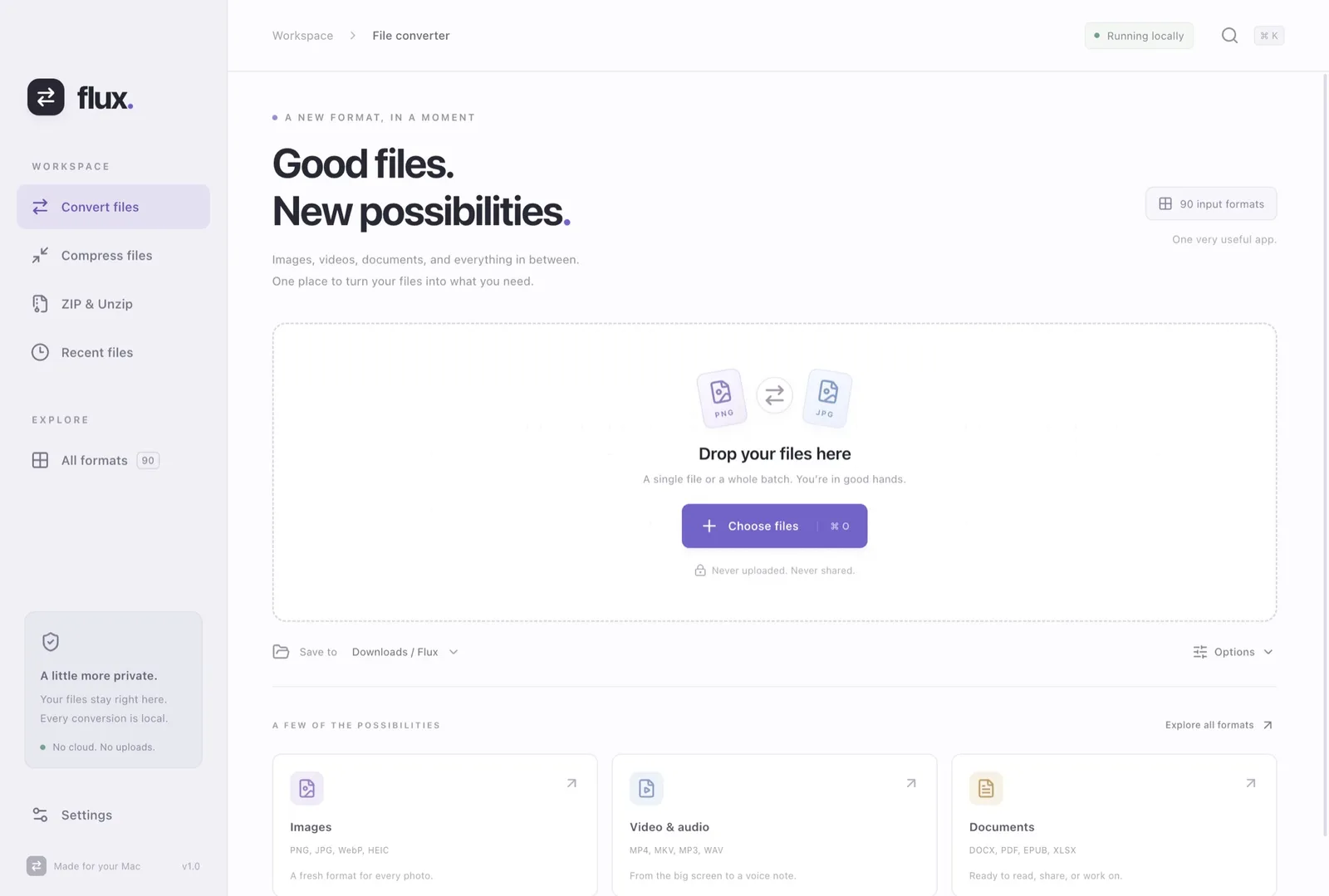
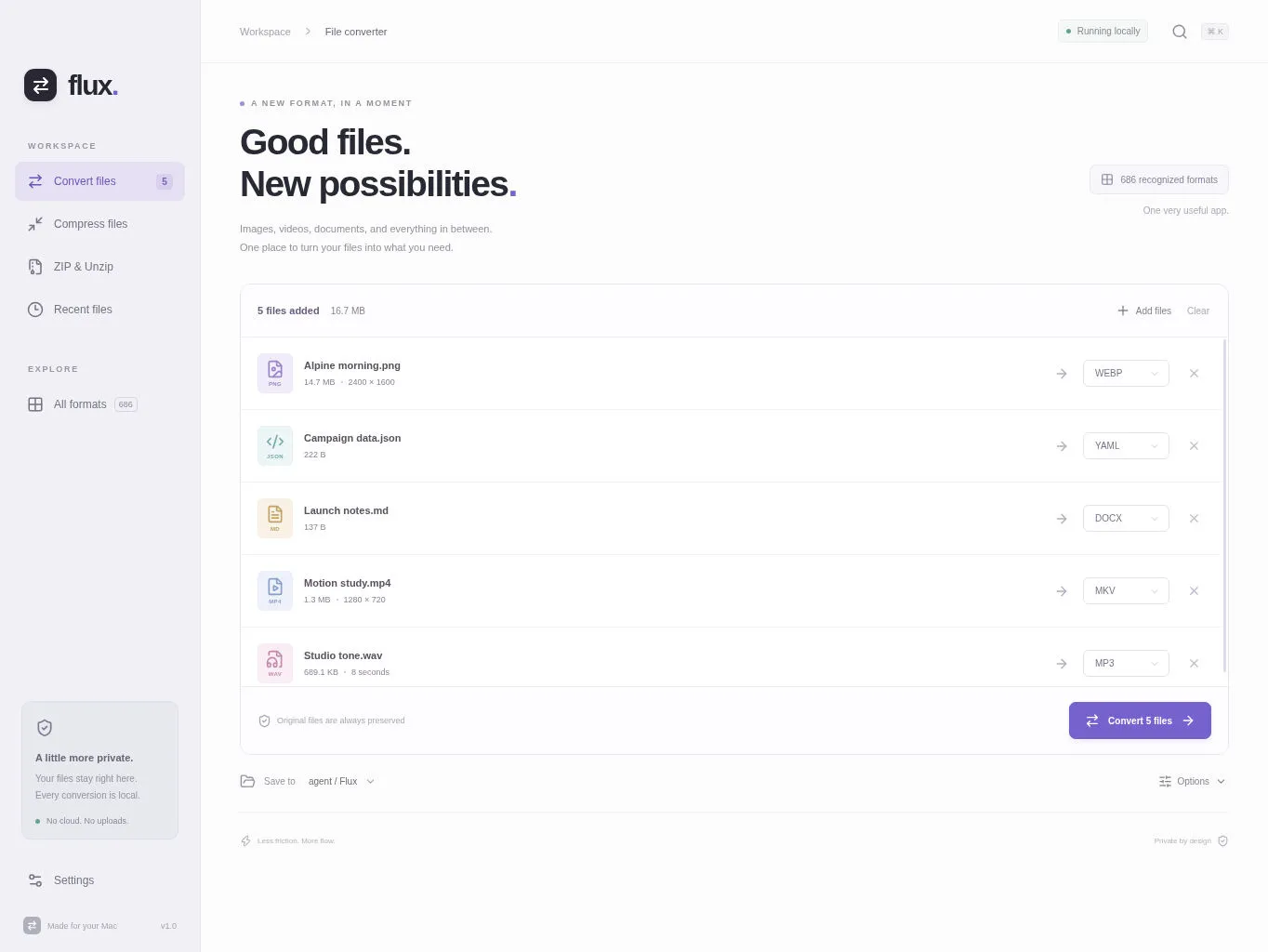
- Converts images, video, audio, documents, subtitles and data files (CSV, JSON, YAML) on the device.
- Two kinds of compression: lossless, or smaller with quality and size controls. It shows what you actually saved.
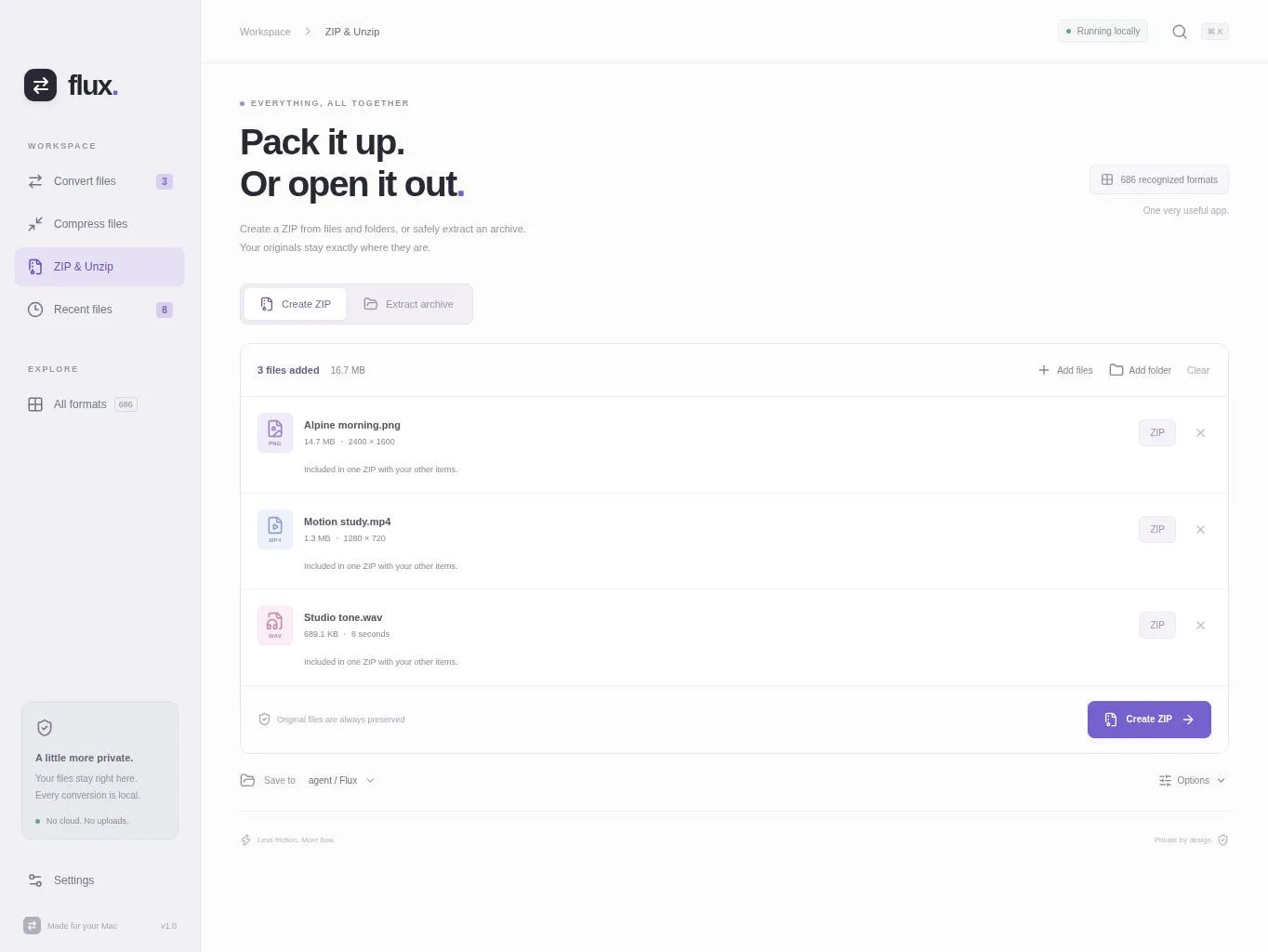
- Makes ZIPs from several files and extracts archives into a fresh folder.
- Renders Word documents to PDF or HTML, keeping fonts, tables and images where it can.
- Rename the result and choose where it goes. Originals are never touched.
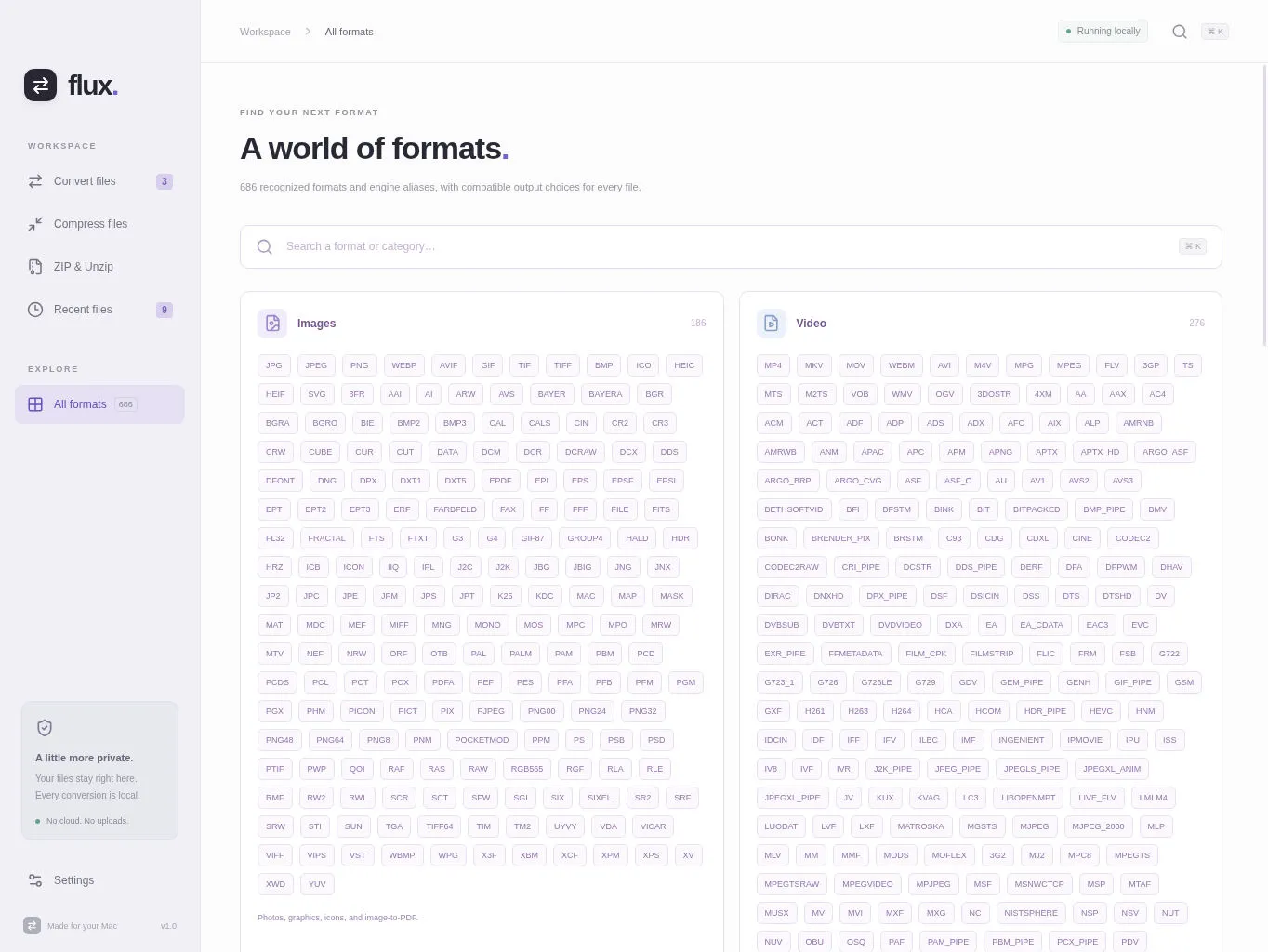
- The Mac version adds ebooks, fonts, 3D models and PDF text recognition, with a searchable format list.
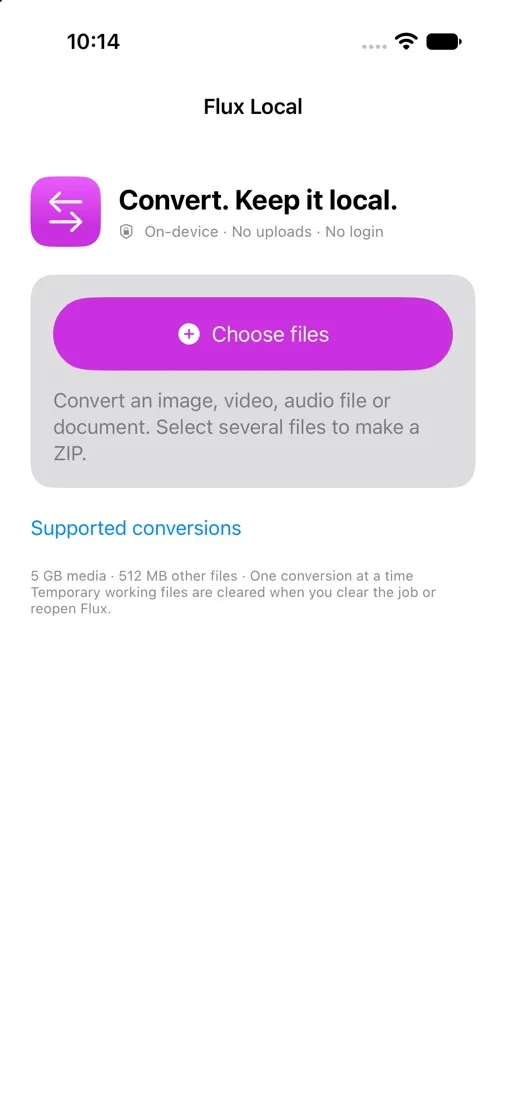
Screenshots

Under the hood
- On iPhone, media goes through a statically built FFmpeg with networking compiled out. A small C wrapper only lets it open files it was explicitly given, and the build is reproducible from checksum-pinned source.
- Archives are handled defensively: path traversal, links and special files are rejected, and entry counts and expansion ratios are capped.
- There's also a private web version for heavier jobs, sandboxed with gVisor behind Cloudflare Access, with virus scanning and verified image updates.
- The list of supported formats is generated from the engines actually installed, not written by hand.