← All projects

Mac Control
Fans, sensors, audio and windows, in one Mac app.
- Status
- Released
- Platforms
- Mac
- Started
- 2026
- Built with
- Swift, SwiftUI, AppKit, IOKit, Core Audio
Why I made it
I was running a handful of separate menu-bar utilities to watch temperatures, control the fans, set per-app volume and tile windows. I wanted one native app that did all of it, with no analytics and nothing leaving the Mac.
It's tailored to my own M5 Pro MacBook Pro. Other Macs can use the monitoring; fan control only writes on the hardware it was tested on.
What it does
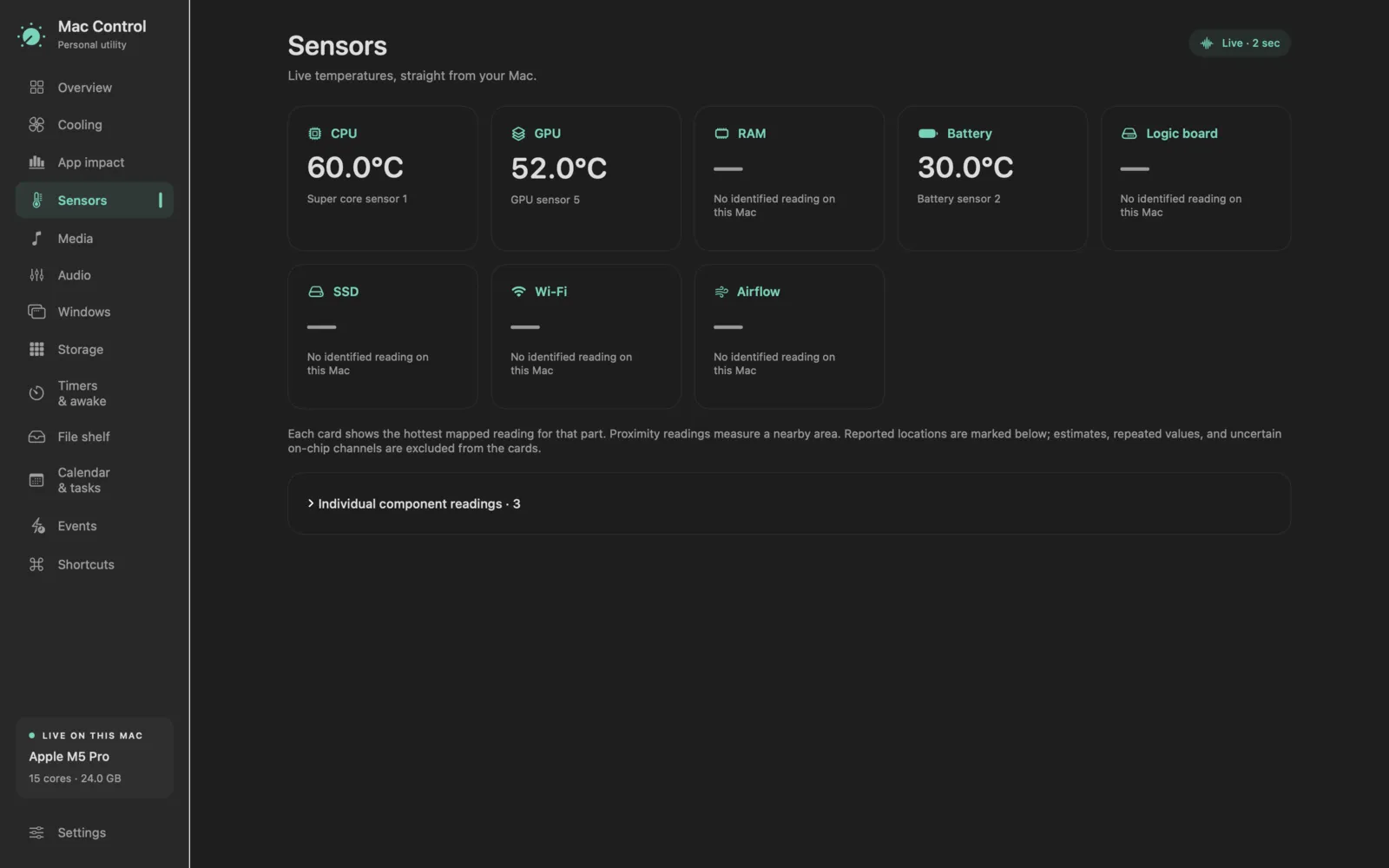
- Live CPU, GPU, memory, battery, disk, network, fan speed and temperature readings, with five minutes of history.
- Fan control: automatic, minimum speed or a temperature curve, with profiles switched by app or power source.
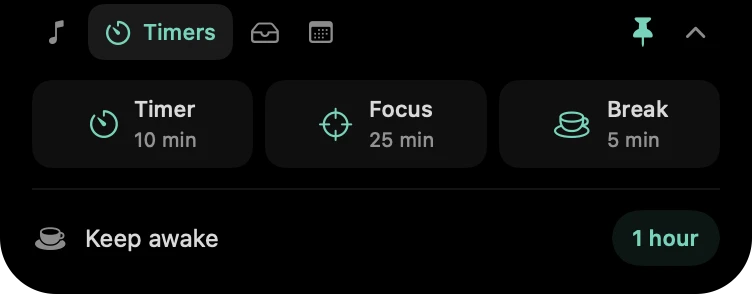
- An optional notch-style island with music, timers, a file shelf and upcoming events.
- Per-app volume, mute and output device, with no virtual audio driver.
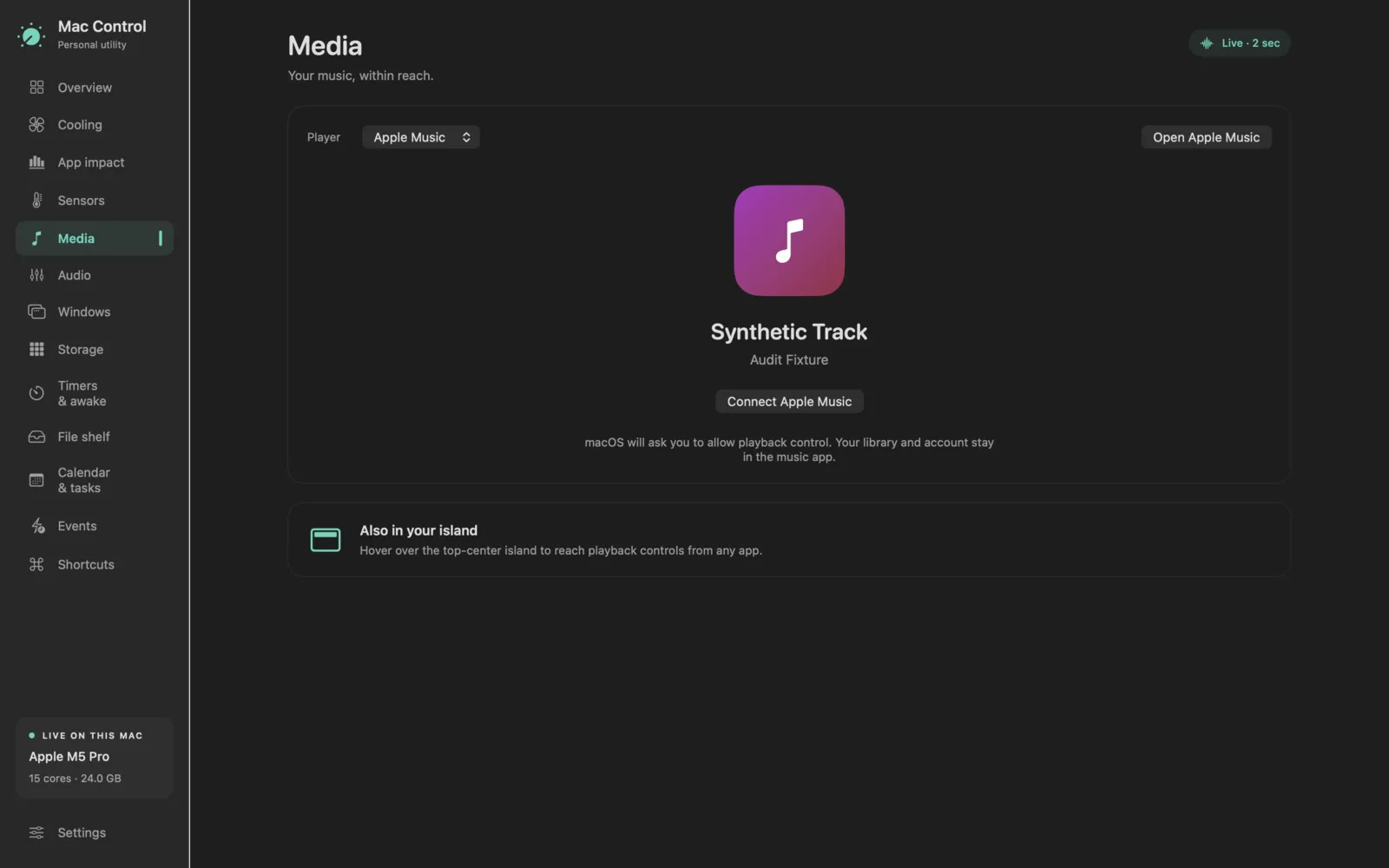
- Apple Music and Spotify controls.
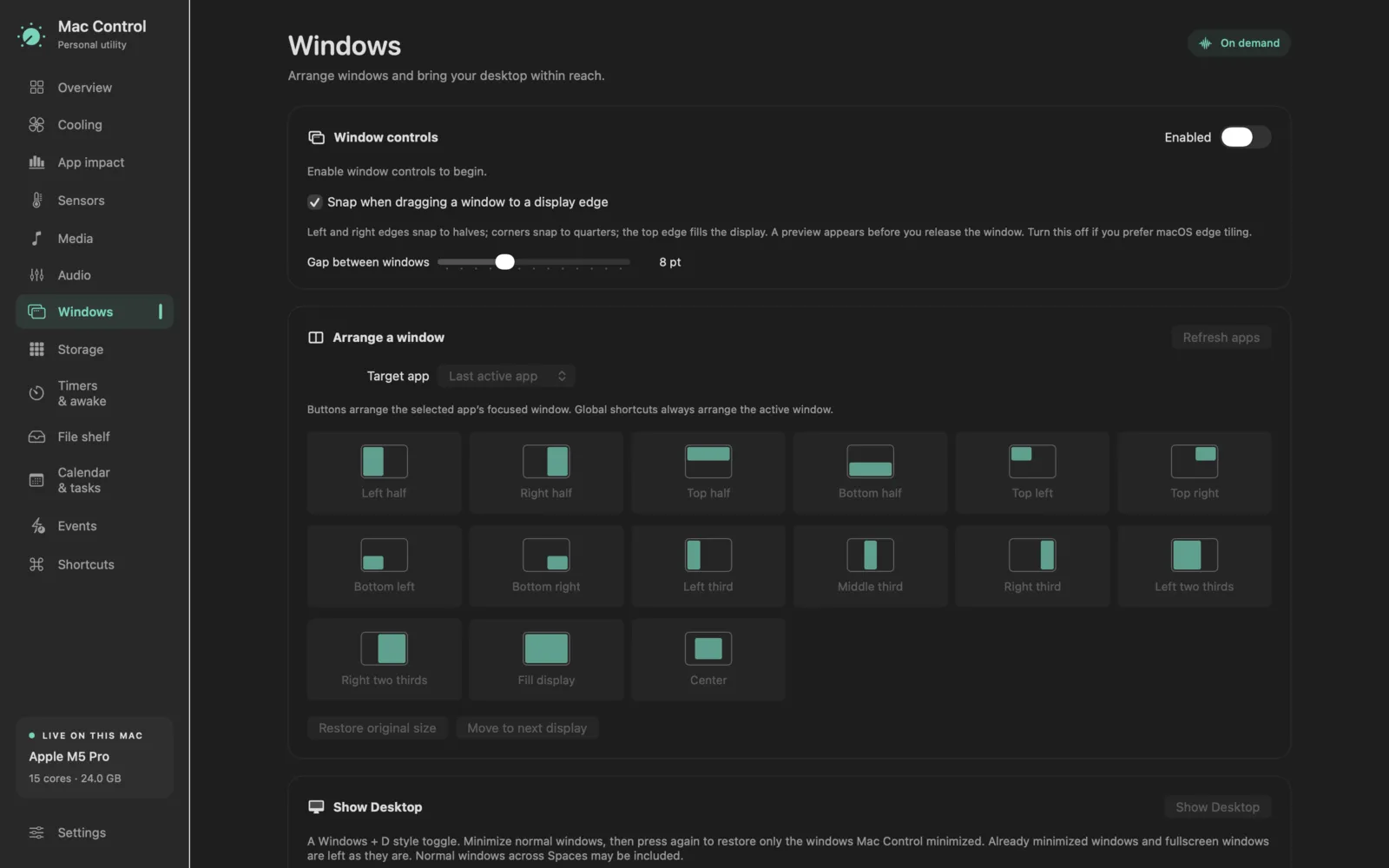
- Window tiling into halves, quarters and thirds, with shortcuts and edge-drag snapping.
- A storage treemap to find what's taking up space. It never changes your files.
- Timers, focus sessions, keep-awake, and seven Shortcuts actions.
Screenshots




Under the hood
- Fan writes happen in a separate signed root helper with a three-call XPC interface. It hands cooling back to macOS on disconnect, a missed heartbeat, sleep, a bad reading, or 95 °C.
- It reads the undocumented SMC directly and maps 255 of the M5's 257 sensor readings to real components.
- Per-app audio uses Core Audio process taps with a real-time callback and a 10 ms gain ramp, so volume changes don't click.
- A signed updater verifies each download and swaps the app in one atomic rename, rolling back if the new version fails to launch.